Your firm's document library, made for legal
A familiar file manager with folders that mirror your templates, metadata-aware search across the entire library, and a Details pane that surfaces key facts at a glance. All permission-aware, all live.
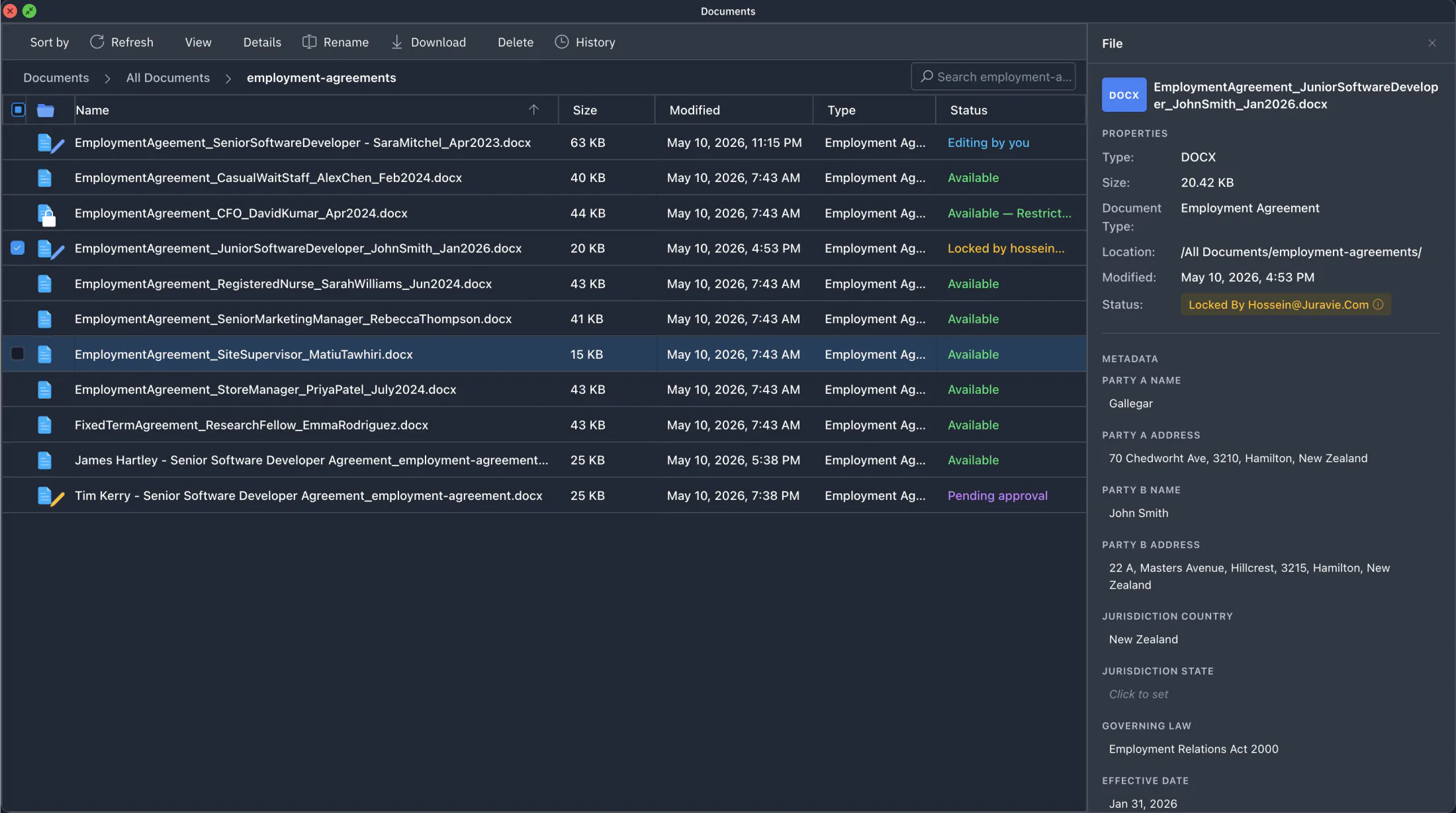
Folders that mirror your templates, fixed firm-wide
Employment Agreements, Contractor Agreements, NDAs, Service Agreements, Leases. The folder structure mirrors your template library exactly. New documents created from a template land in the right folder automatically. No folder picker, no choices to get wrong.
- Fixed at the firm level: no ad-hoc folders, no chaos at scale
- Templates and All Documents share folders 1-to-1
- List view and thumbnail view; sort by name, date, or type
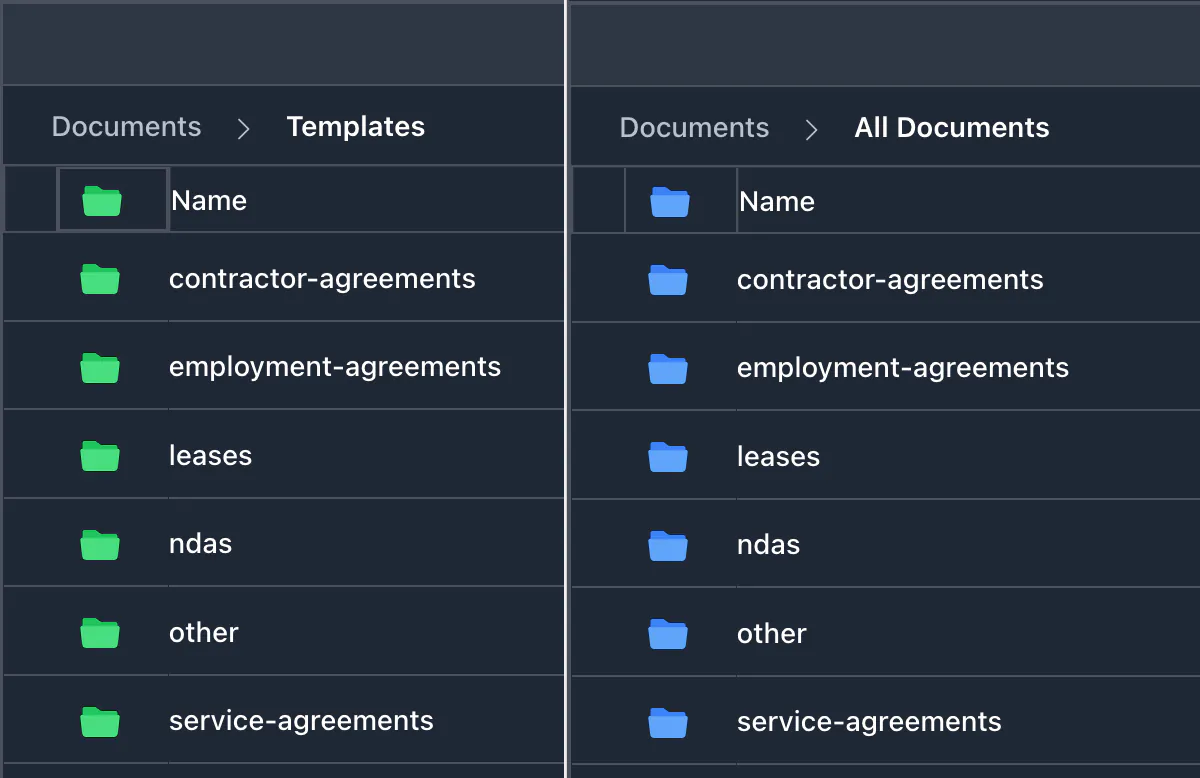
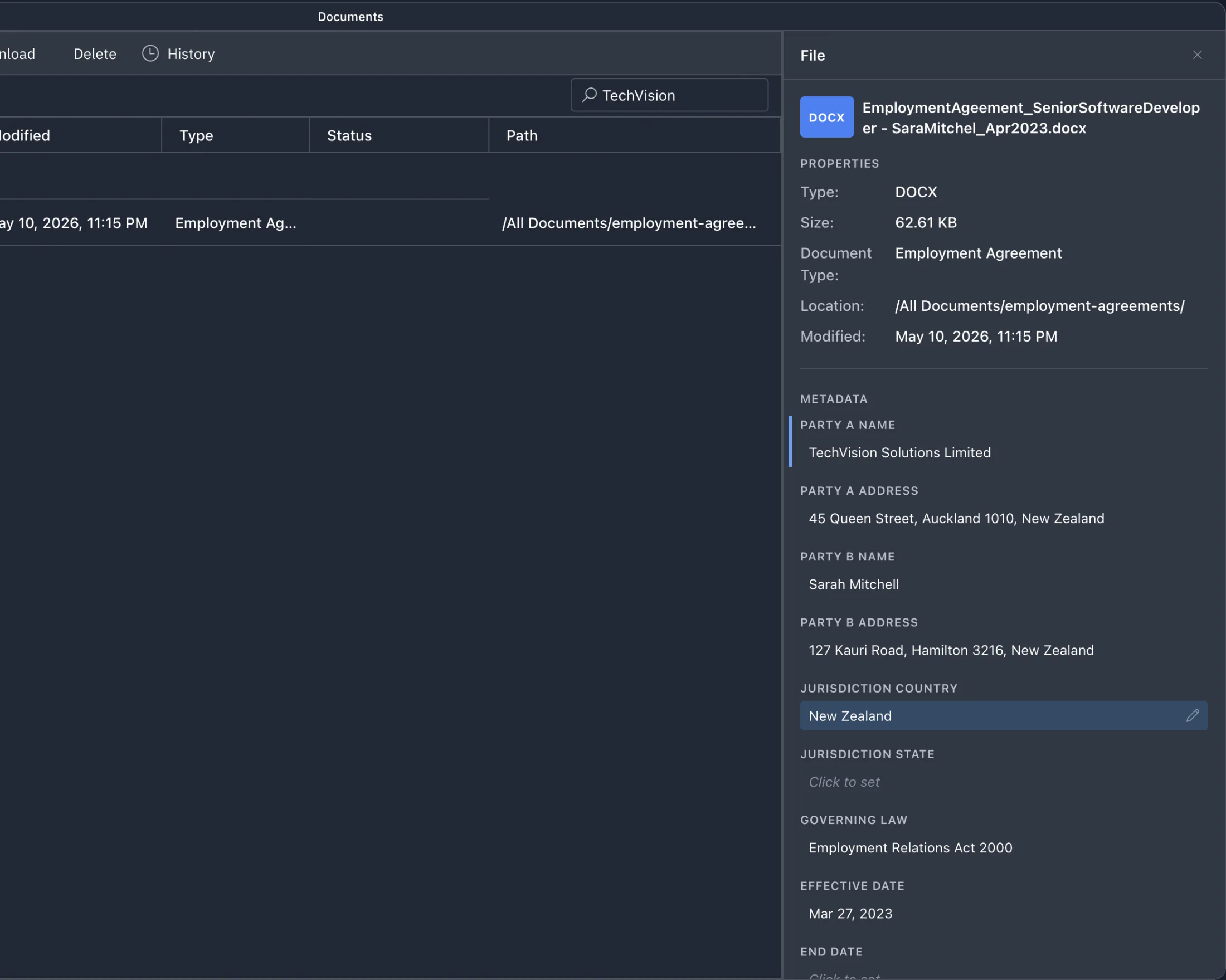
Search by the people in the contract, not the filename
The toolbar search reaches beyond filenames. It indexes the metadata recorded against each document (party names, addresses, document type, matter), so you can find every contract that mentions a single person or organization in one query.
- Find every NDA, contract, and agreement involving one party
- Match by recorded address, document type, matter
- Permission-aware: only files you can see appear in results
Key facts before you open the file
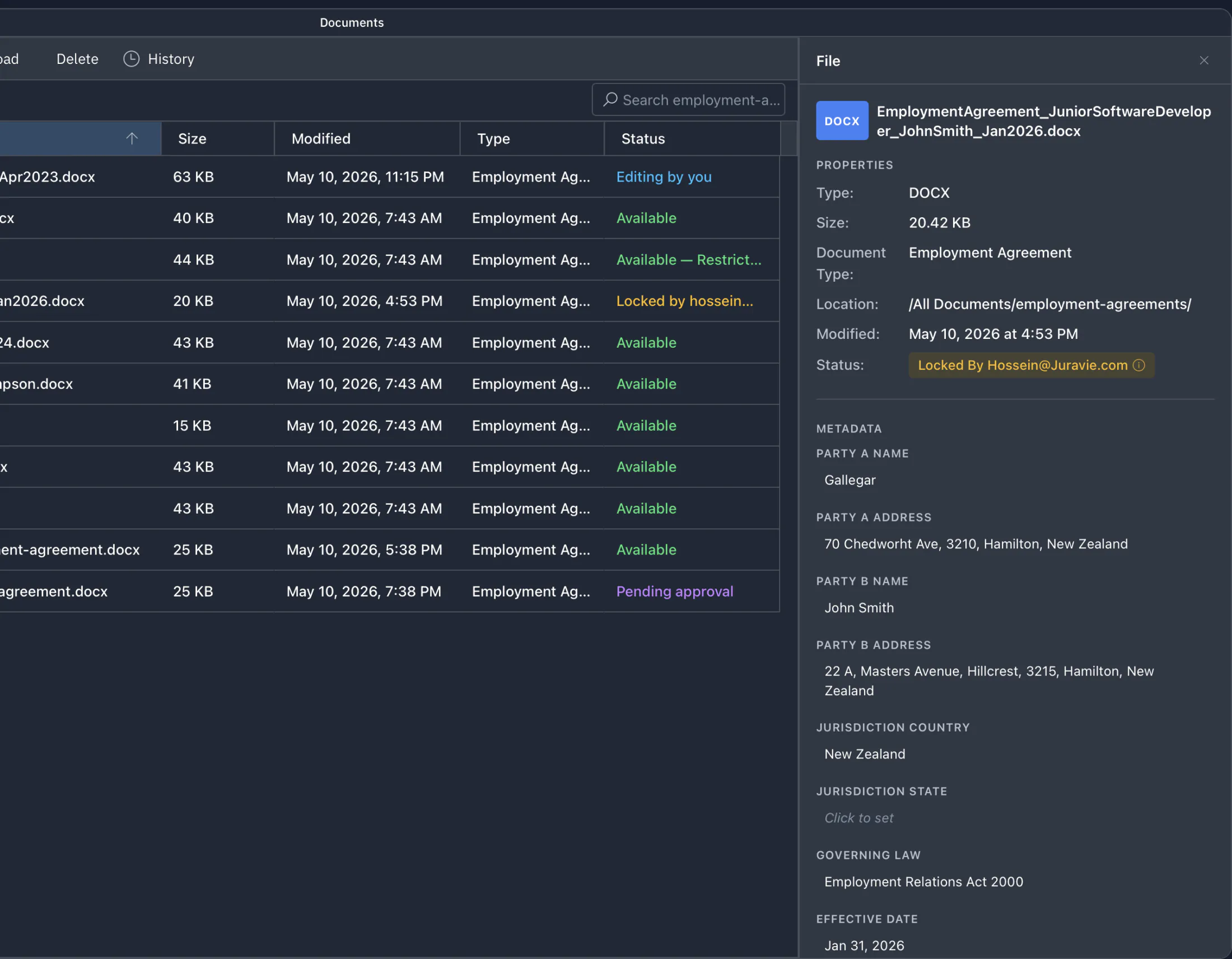
Click a file once and the Details pane shows what you usually need: document type, last modified date, recorded metadata (parties, addresses, key dates), without opening the editor. Triage faster; open only when you need to.
- Document type and last modified date
- Recorded attributes: parties, addresses, matter
- Status overlays for restricted files (lock) and in-progress drafts (pencil)
Permission-aware for every user
Every action, every menu item, every search result respects your role and grants. The product never offers what you can't actually do.
No buttons that error
The toolbar and right-click menu only show actions you have permission to perform. Whatever Juravie shows you, you can do.
Restriction-aware
Restricted files are completely hidden from anyone not granted access, including from the AI for that user.
A library is one piece of the platform.
Pair it with role-based access control and a permanent audit trail. That's where Juravie wins.
Ready to manage your library, not just edit one file?
Upload your existing DOCX files, search them in plain English, and govern access from day one.